


 Your Orbit
Most friends lists turn into everyone you ever met
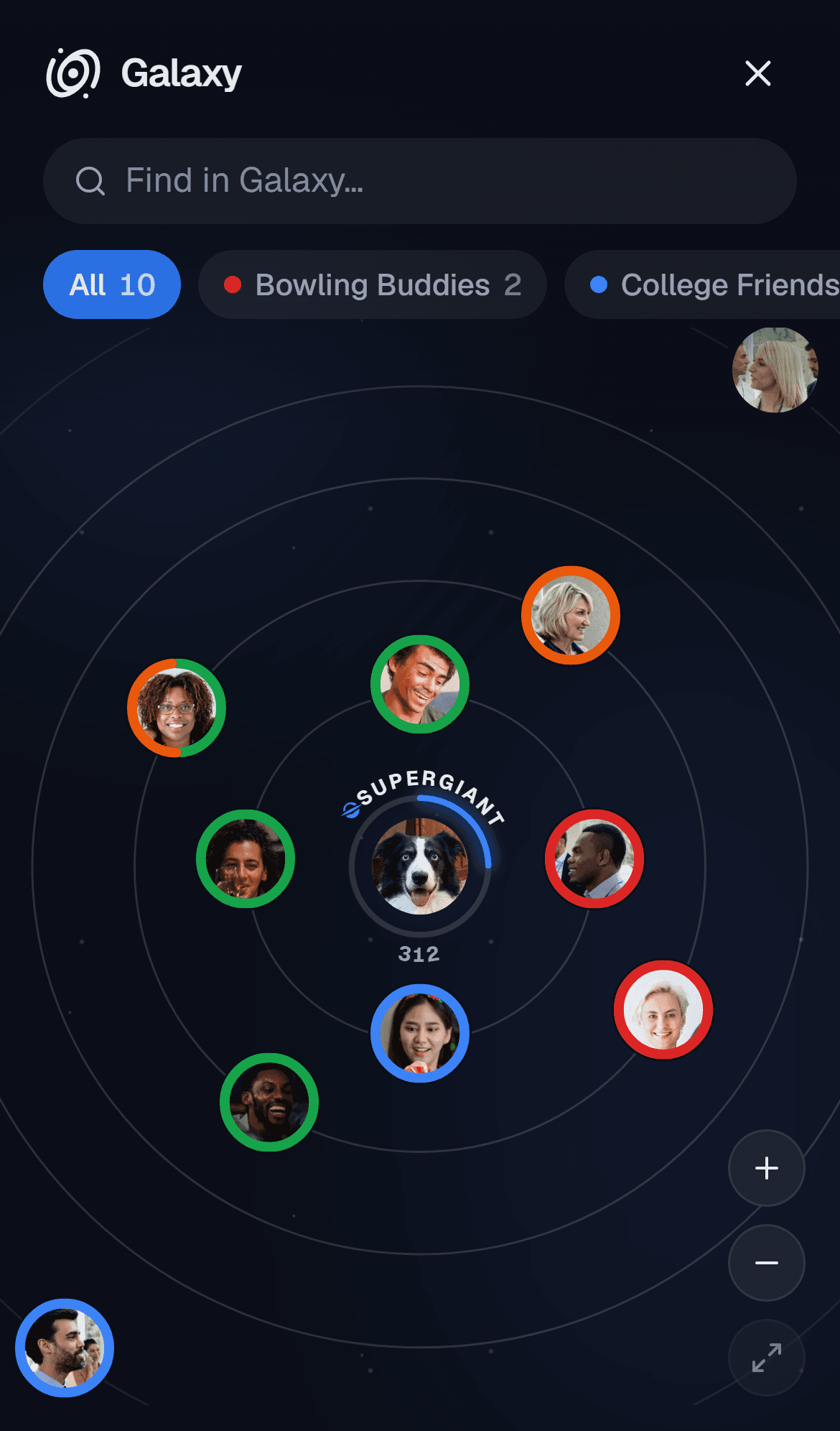
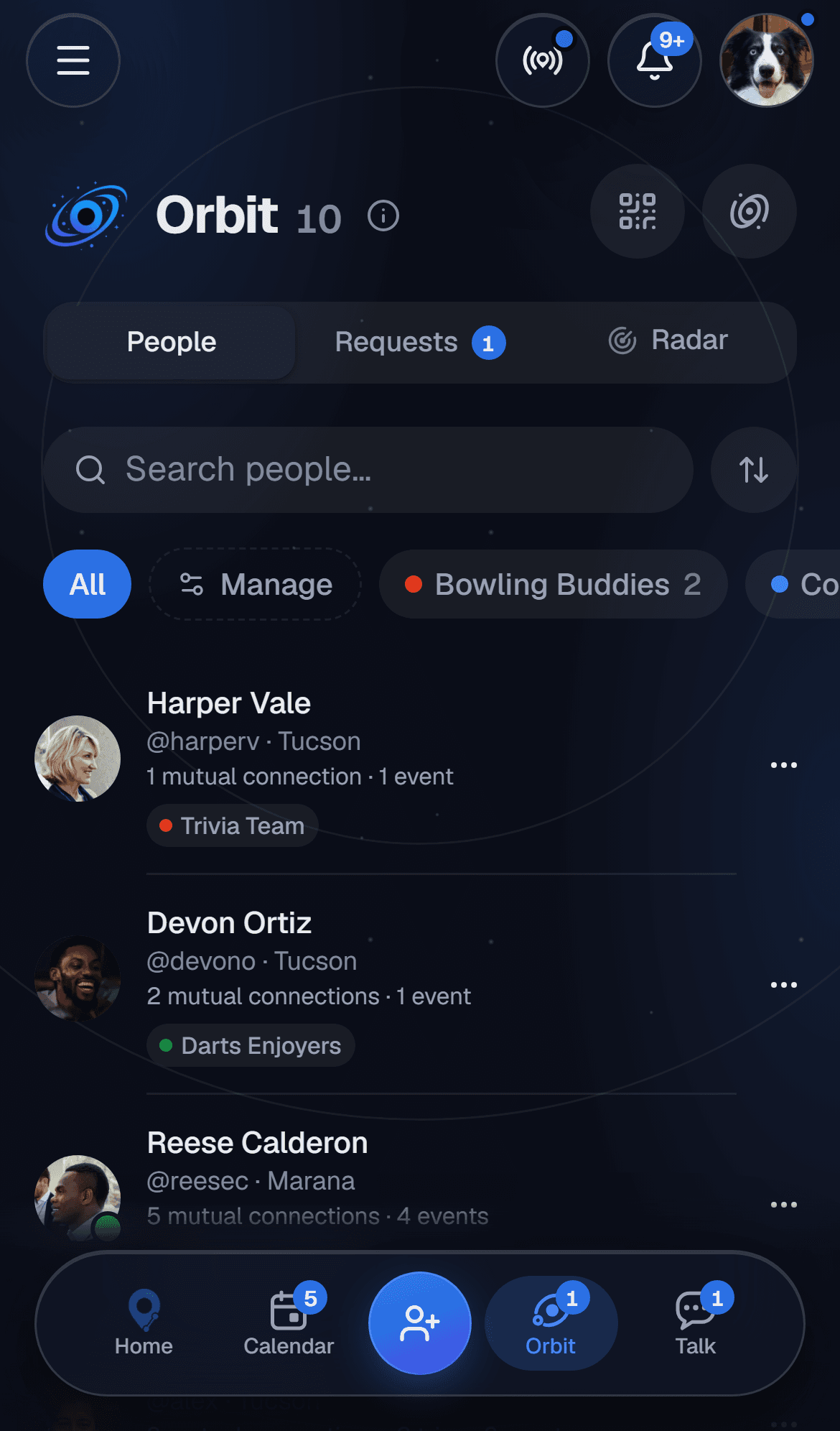
Take control of a long list by sorting it into Clusters. You decide who sees what, and the people you see most sit closest.
Adding someone takes about five seconds
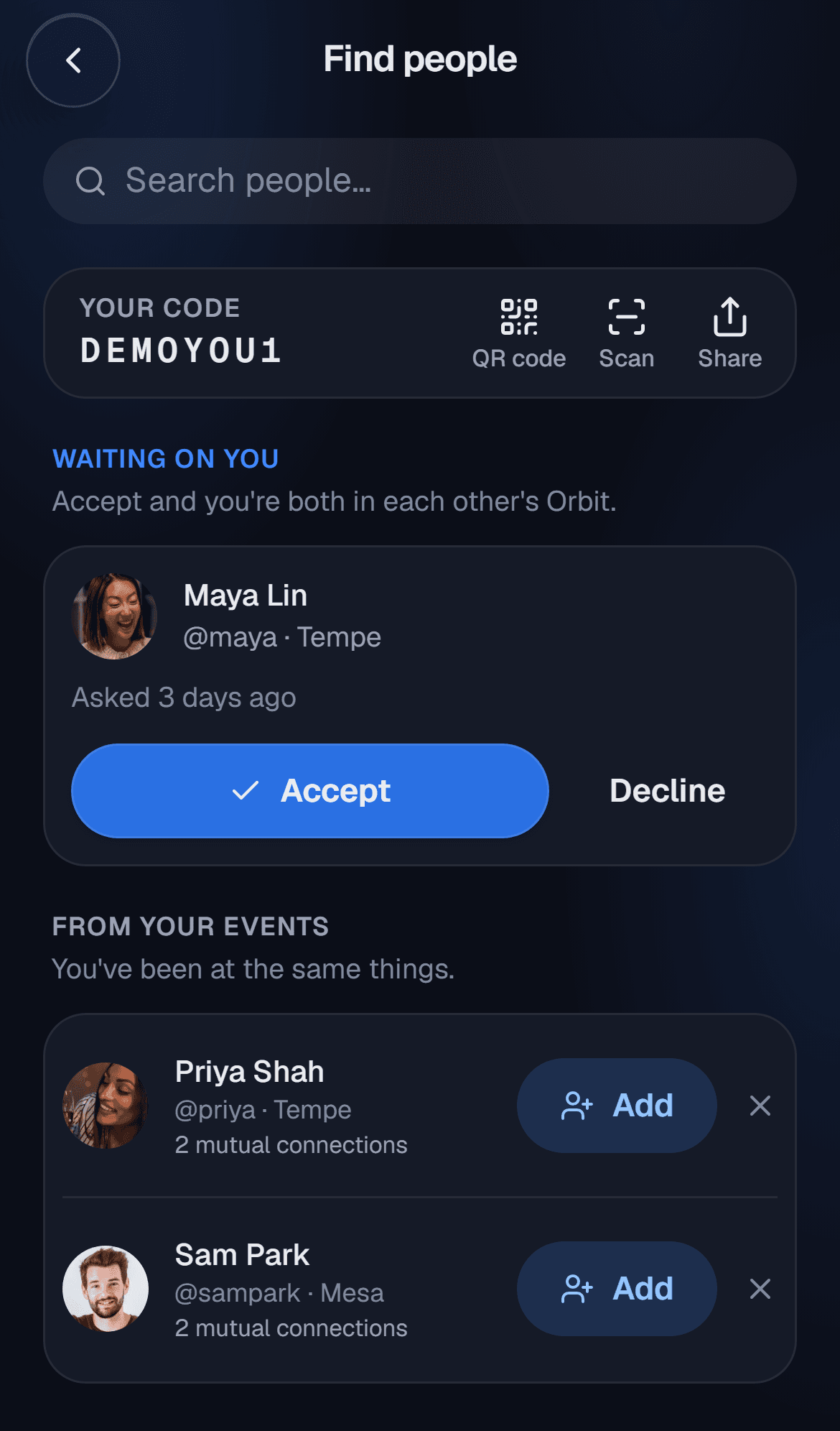
Share your friend code, let them scan your QR, or search by name. People from events you both went to show up too. Once they accept, you're in each other's Orbit.
- Search shows how many friends you share

Sort them into clusters nobody else sees
Close friends, work, the running crew, family. Name and color each cluster. Nobody can see your clusters, including the people in them.
- The Galaxy view puts the people you see most closest
Only the right cluster hears about it
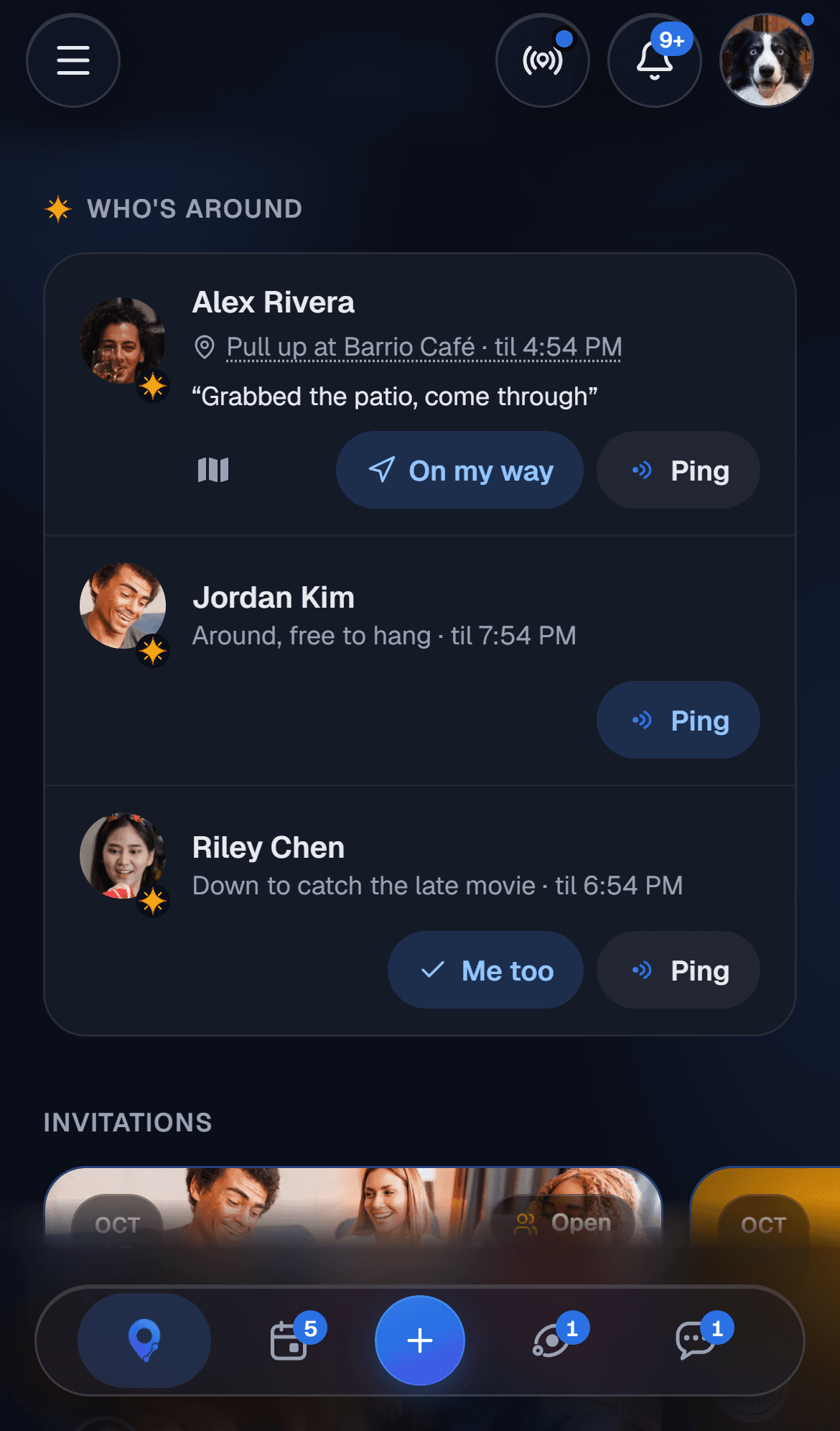
Pick a cluster when you send an invite, a post or a flare, and only those people get it. Out at the bars? Your bar crew sees the flare. Mom doesn't.
- Invite a whole cluster in one tap
- Post to everyone except one cluster
- Nobody left out is told
Questions people ask
Share your friend code, let someone scan your QR code, or search by name or @handle. They accept, and you're in each other's Orbit.