



Events
The invite is the easy part
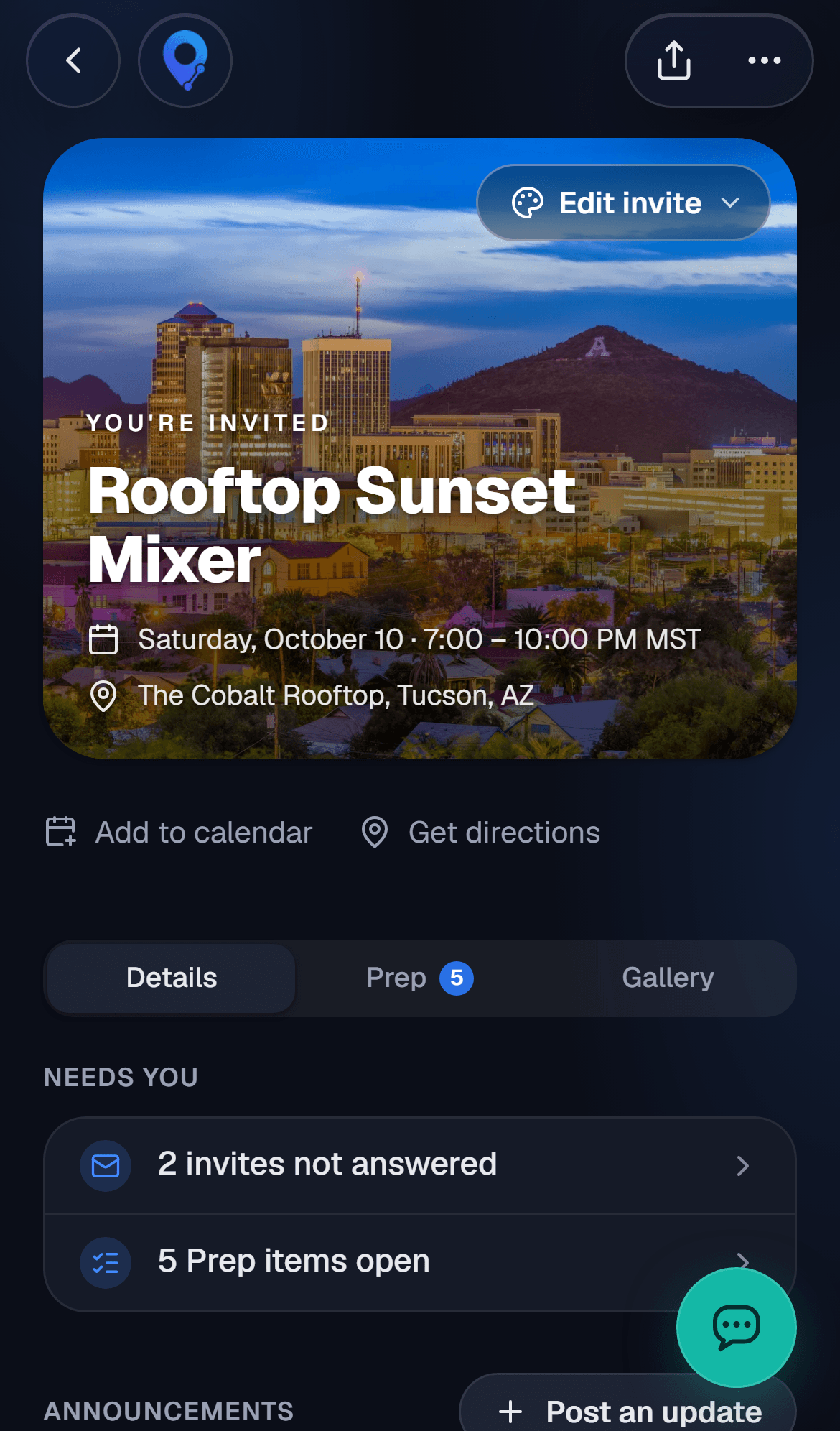
Guests RSVP from a link. You see who's coming, and the rest of the planning happens on the same page.
Try it
Make your invite
This is what your guests will see. Name your event and pick a look, and it'll be waiting when you sign up.
You're invited
Tacos on the Roof
Saturday, Nov 14 · 7:00 PM
Maya's roof (the stairs are part of it)
Sign up free and your event opens with this look, ready to finish. There you can use your own photo, any color and the full font list, with stickers you drag anywhere.
Put this event on JoinueHave an account? Sign in
What you can do
Every event comes with all of this. Turn on only what the night needs.
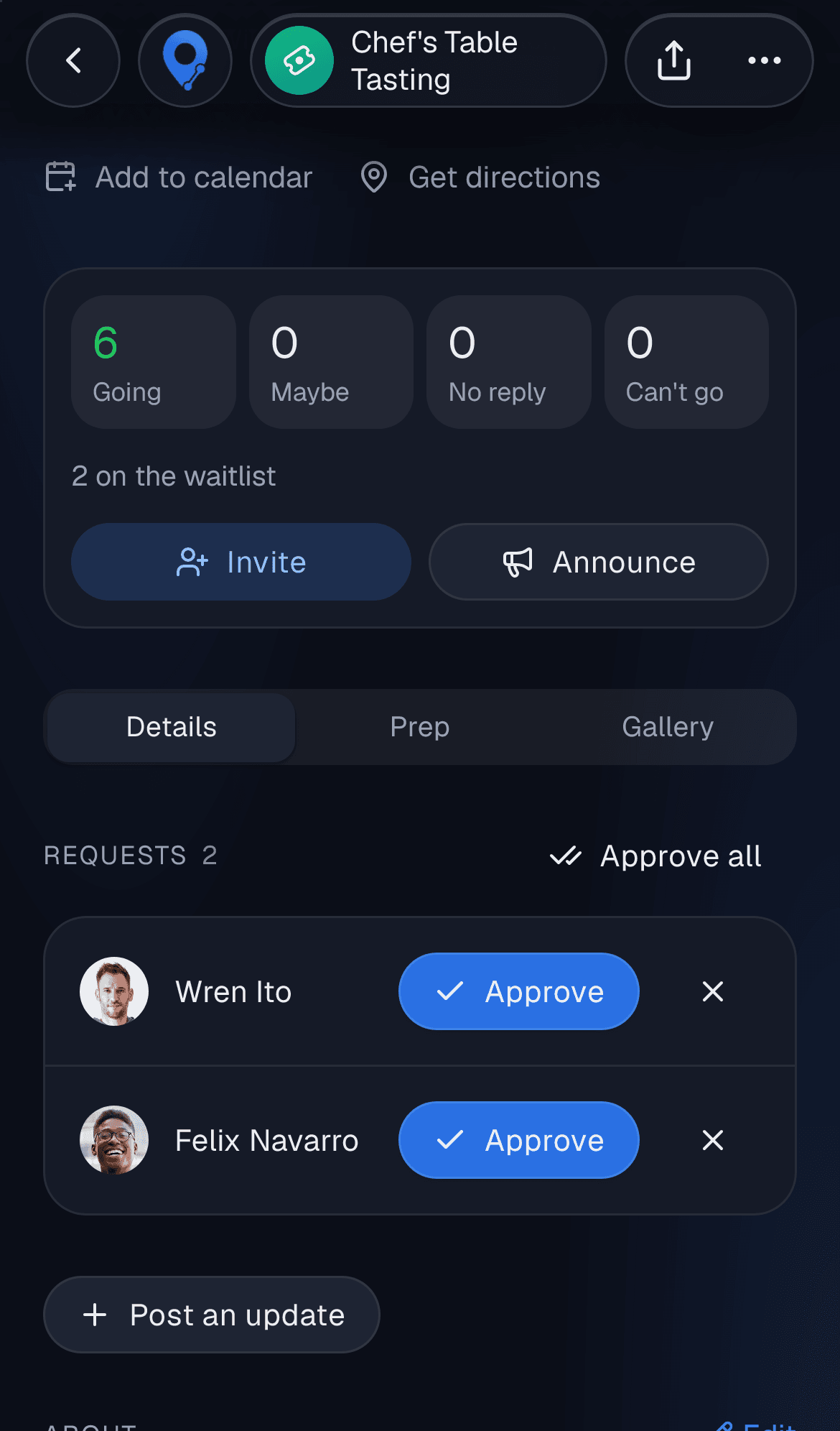
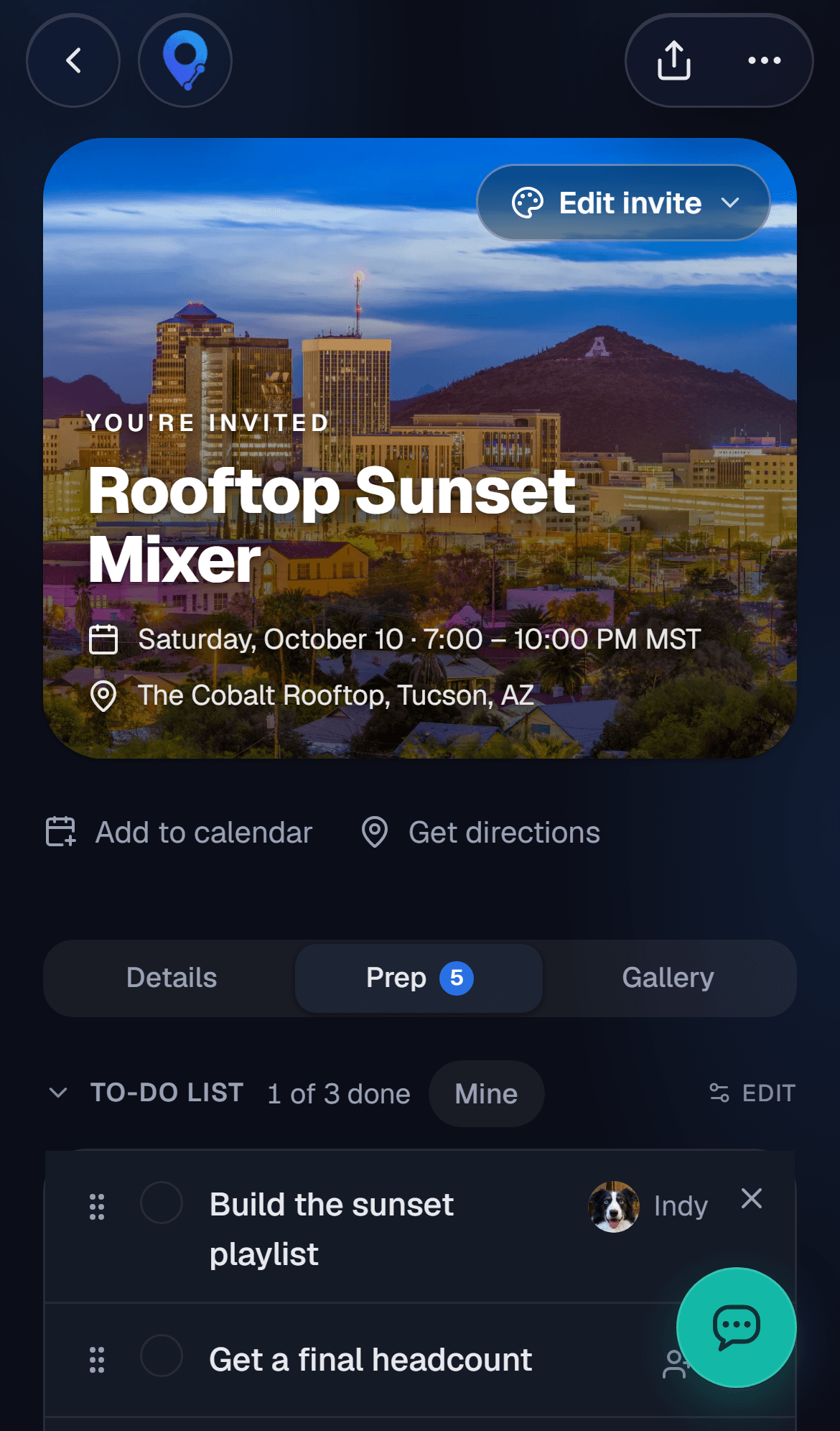
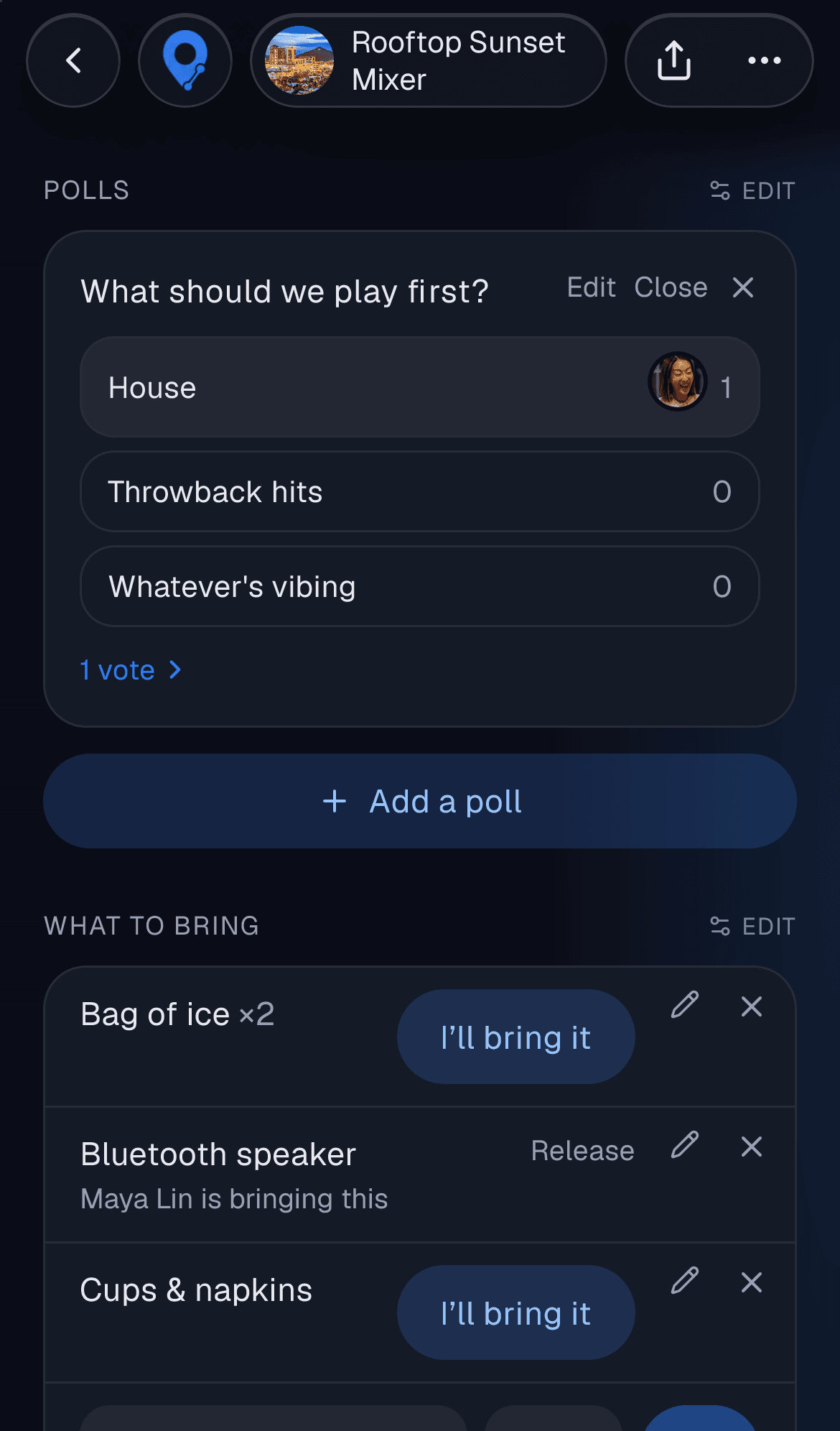
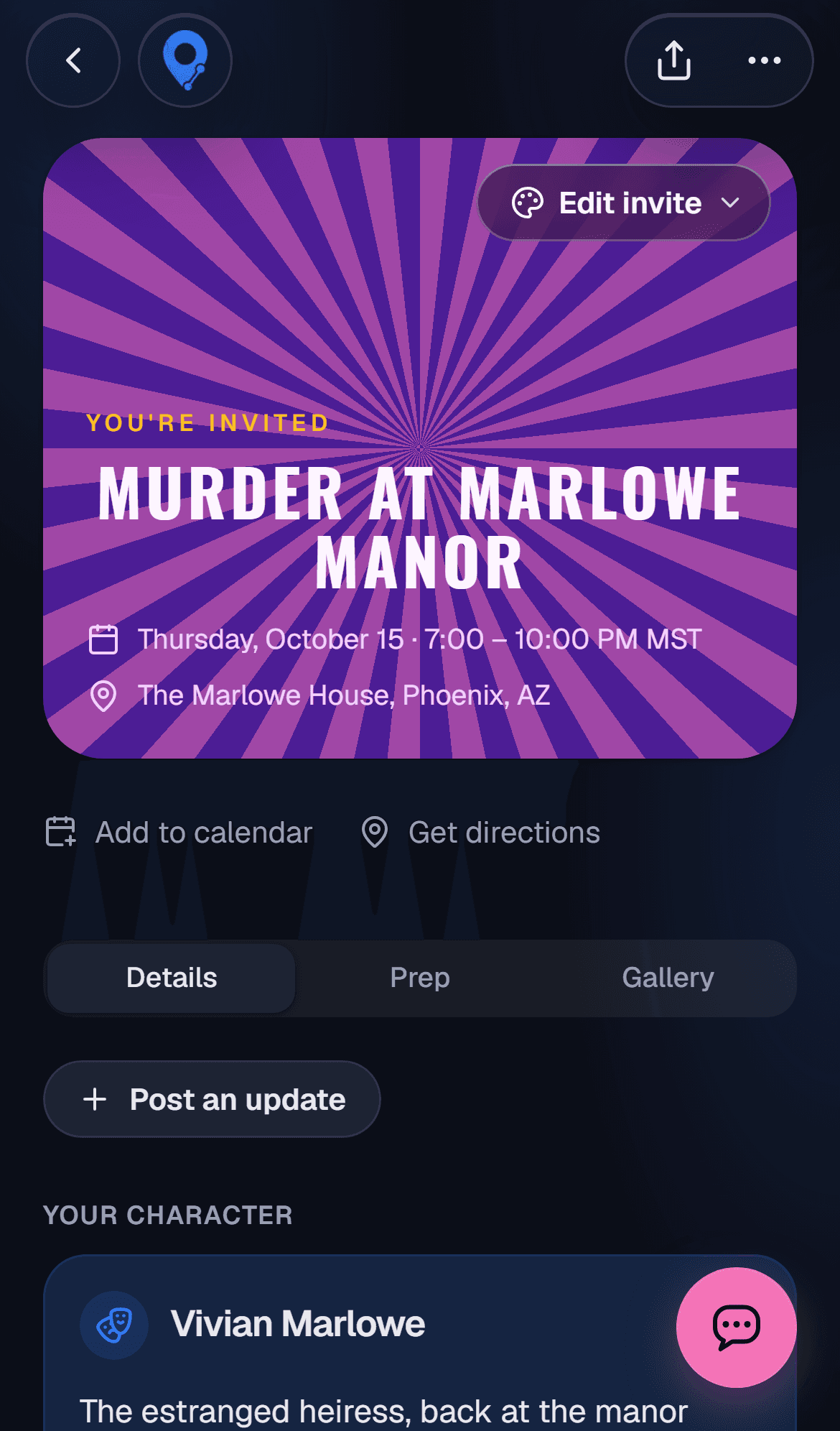
Send a link or an email, see who's coming, and nudge anyone who hasn't answered.
- Set a guest limit, with a waitlist once it's full
- Let guests bring a plus-one, and count kids separately
- Approve guests yourself before they're on the list
- Hide your address until a guest says yes or maybe
The part after yes
Everyone tapped yes. Now somebody has to figure out who's bringing ice.
Other event apps
A pretty invite, then everything moves to a group chat
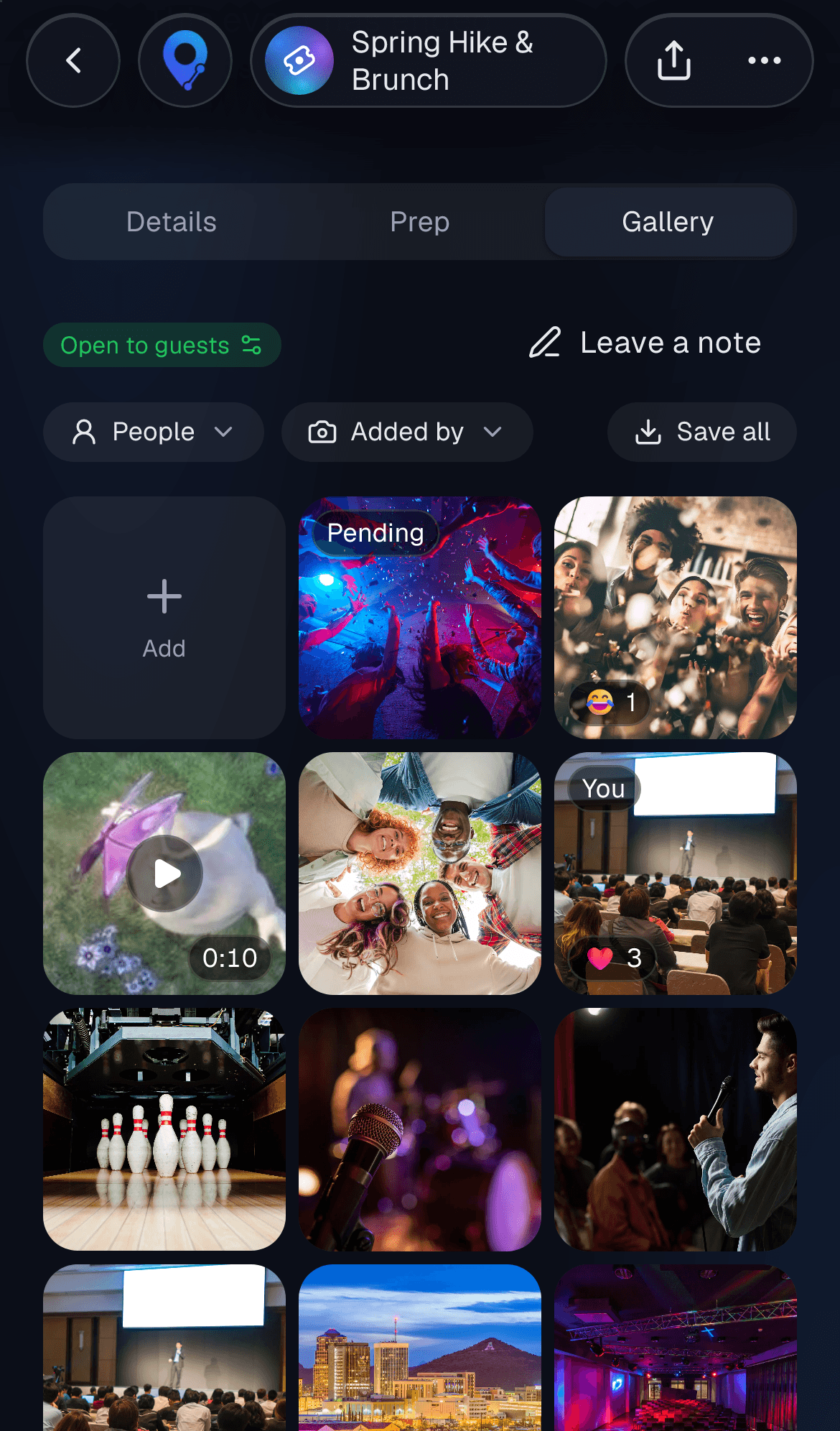
The invite, the list, the polls and the photos on one page
The spreadsheet
A shared sheet for who brings what that nobody updates
Guests claim items themselves, so the list is always current
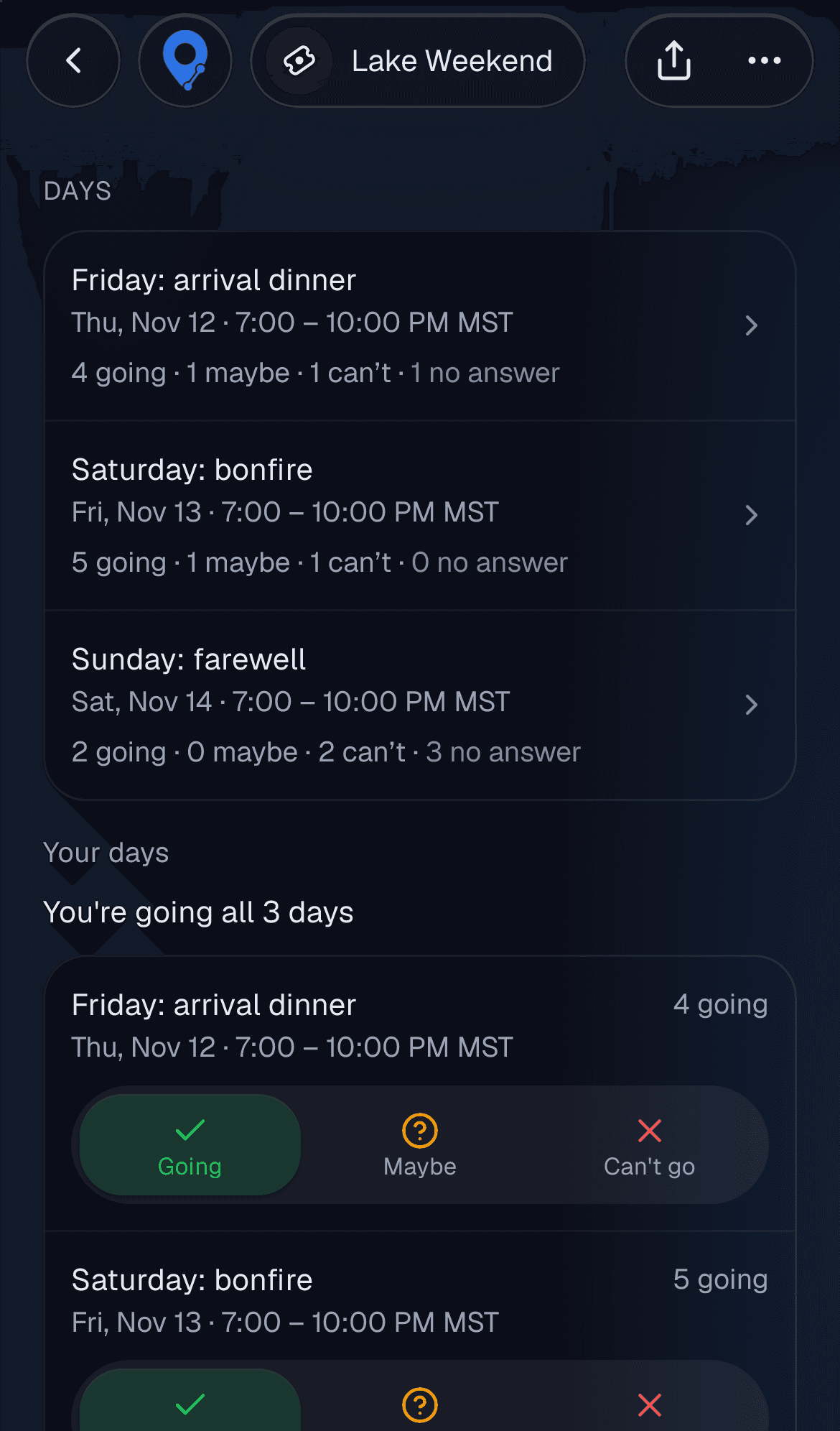
A whole weekend
One date and one RSVP, even for a three-day weekend
Guests RSVP to just the days they can make
The guest list
Everyone sees who's coming, or nobody does
You pick: show the names, or just the headcount
Questions people ask
Set the number of spots when you make the event. Once it's full, anyone else who says they're going joins a waitlist. When someone drops out, the next person gets the spot and is told. Plus-ones count toward the limit.